Step 1 — Open the Firewall Editor
From your staple IP dashboard, locate the Firewall card. It shows the current rule count, the evaluation tagline ("Top-to-bottom, first match wins."), and your default policy at the bottom.
- Click Edit firewall → in the top-right of the Firewall card.

The firewall editor opens with your existing rules in the list on the left and an empty editor panel on the right.
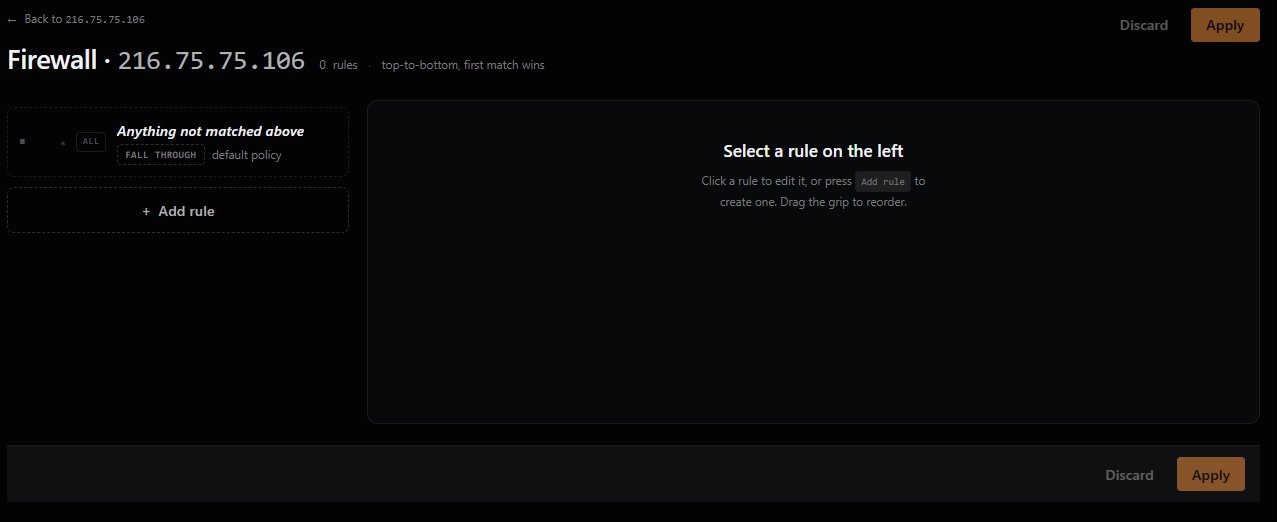
Tip: A new staple IP starts with zero rules and a default policy of Fall through. Until you add rules or change the default, all traffic flow is decided by the system default.
Previous: ← Configuring Firewall Rules (overview) Next: Step 2 — Configure the Default Policy →