Step 4 — Verify the Tunnel
You can confirm the tunnel is working in two places:
- In Director — choose option
3(Show Status) from the menu, or rungs-director statusfrom any shell. - On your staple IP dashboard — refresh the page. The Assignment panel should show STATUS: active with MODE: GRE Tunnel, and the Last 24 hours panel will start showing inbound/outbound bandwidth once real traffic reaches the staple IP.
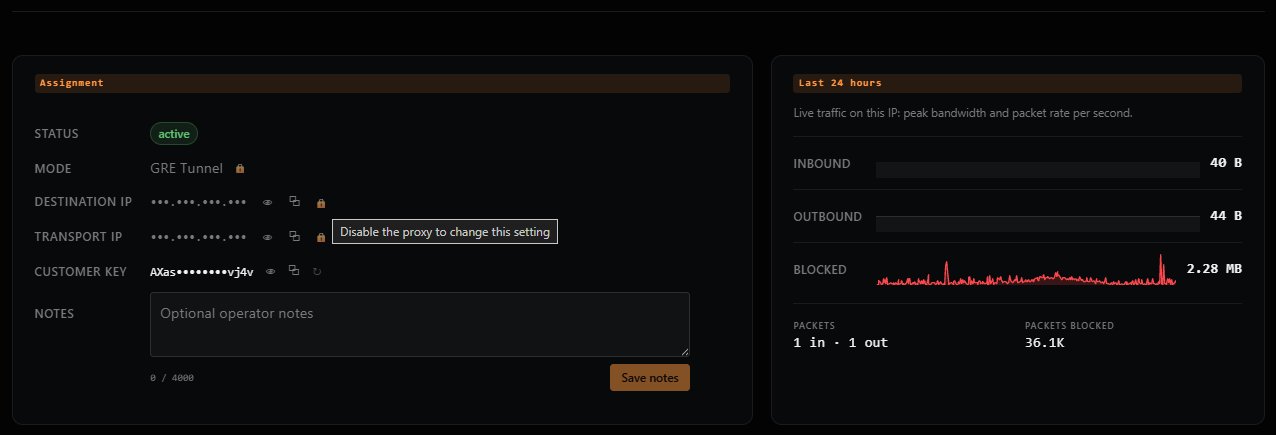
You're done. Traffic sent to your staple IP will now be tunneled to your origin server via Director.
Next Steps
- Menu Options Reference — Every option in the
gs-directorinteractive menu. - Troubleshooting — If something isn't working as expected.
Previous: ← Step 3 — Set Up the Tunnel